Settings
Access the settings page from the User Menu. On this page, you can:
Manage Your Account
Unregistered users
My Guitar Tabs does not require you to log in to use the app. While you are not logged in, your data is stored locally on your device.
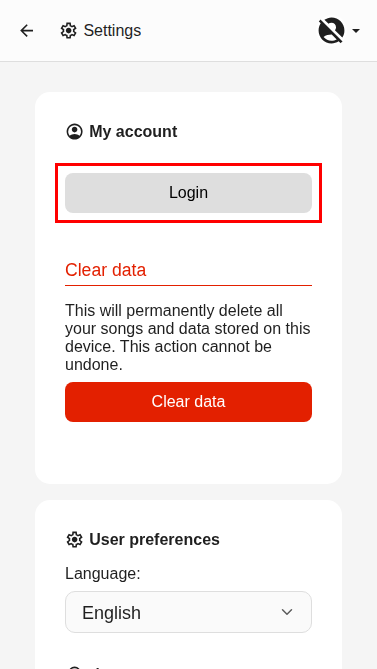
Login
Allows you to login and start using My Guitar Tabs as a registered user.
Clear Data
Allows you to clear all your local data.
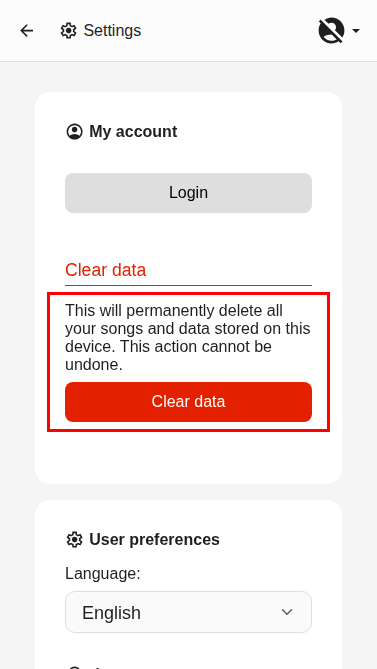
Clearing Data is an immediate and irreversible action.
Registered users
Being a registered user with an email associated to your account enables you to synchronise your data across devices, share songs, and upgrade to Premium.
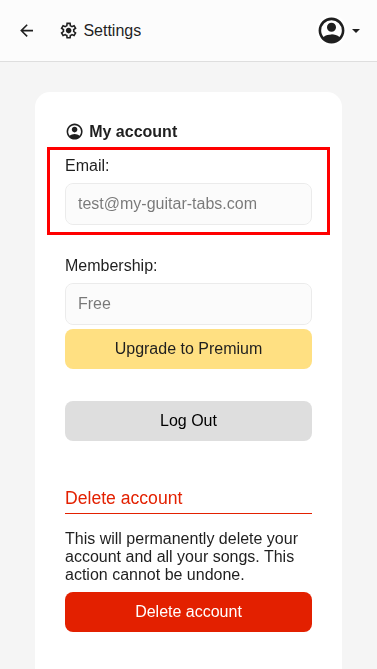
Email
Indicates the email you are logged in with.
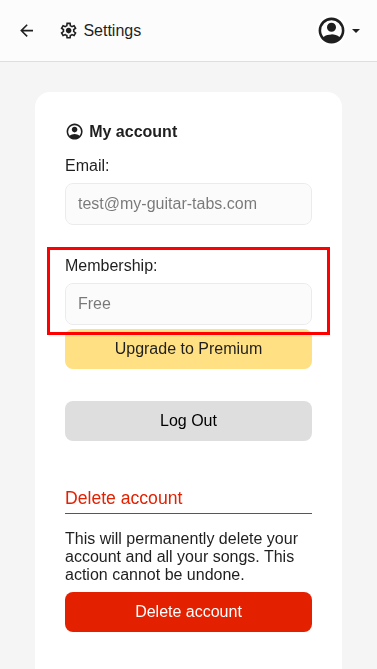
Membership
Indicates your current membership status (Free or Premium), and the option to upgrade to Premium at any time.
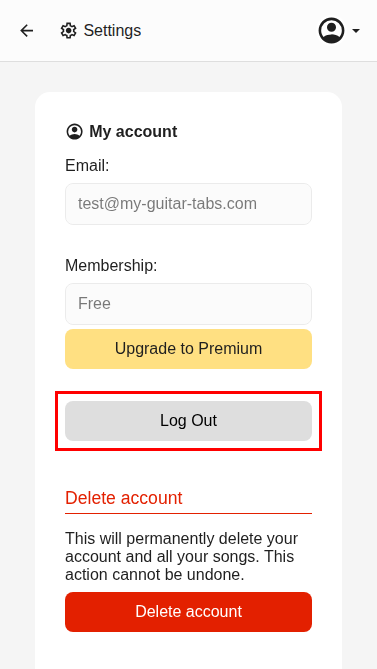
Logout
Allows you to log out of your account.
Delete Account
Allows you to delete your account permanently.
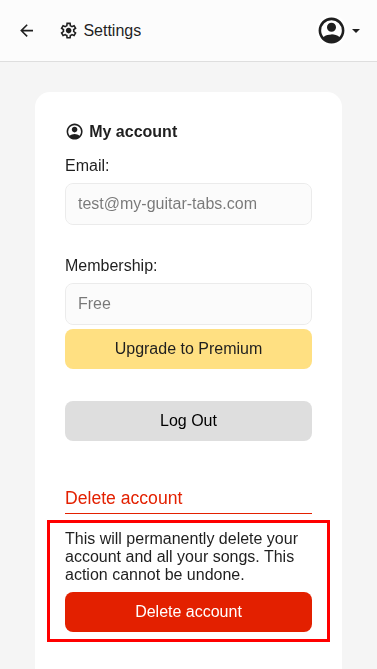
Deleting your account is an immediate and irreversible action.
User Preferences
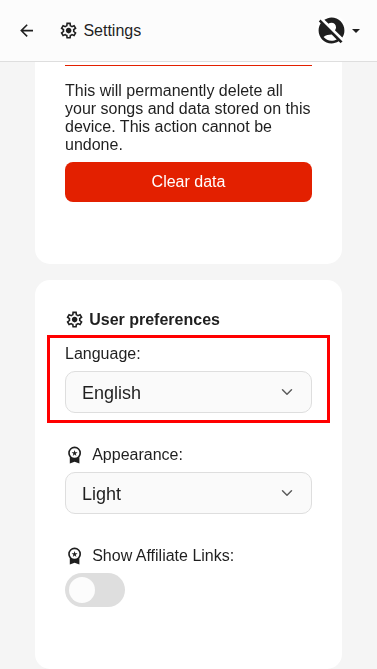
Language
Allows you to select your preferred language from 17 available options.
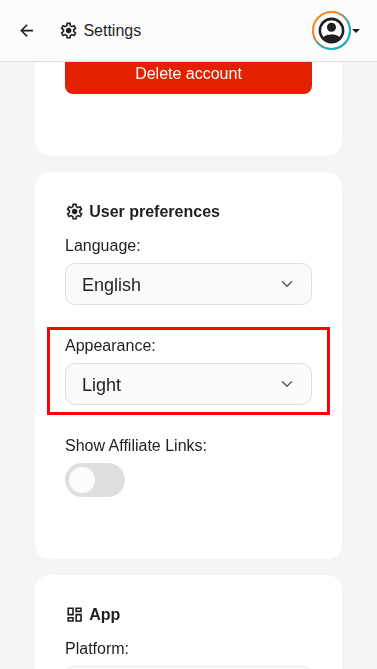
Appearance
PremiumAllows you to switch between Light and Dark mode. Dark Mode is only available for Premium users.
App Information
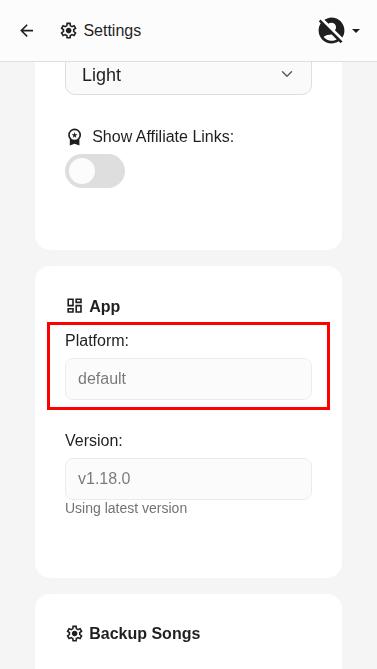
Platform
Indicates the platform you are using My Guitar Tabs on (e.g., Android, iOS, etc).
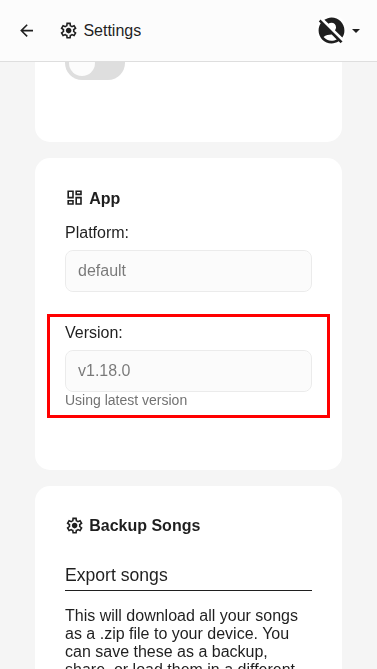
Version
Indicates the version of the app you are using.
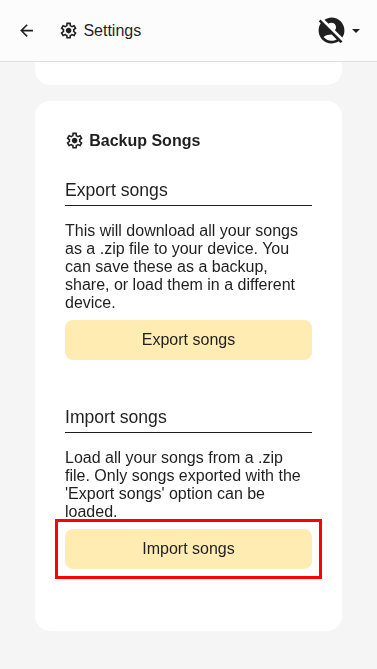
Backup Songs
Lets you save all your songs locally in a .zip file. To do so, click the "Export Songs" button.
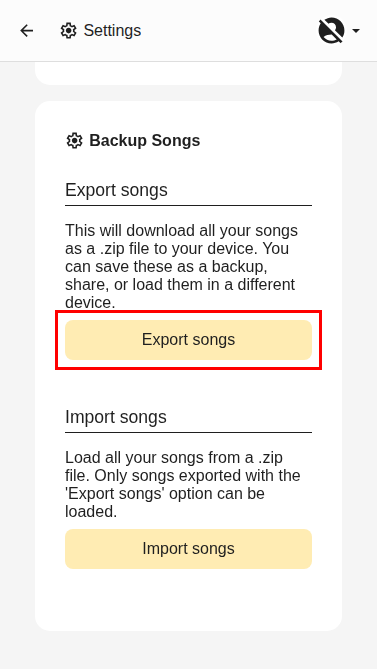
The downloaded .zip file contains all the songs as .gtab files. These can be imported inidividually by following the Create Song From a .gtab file guide.
Restore Songs
You restore all the songs from a .zip file at once by using the "Import Songs" option.