Export to GTAB
To save your songs to your device exported as .gtab files, open the song in the Viewer and press the export song button:
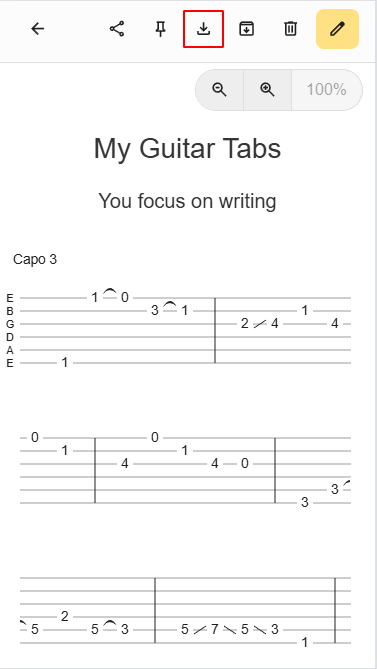
This will open the export song menu. Select the GTAB (.gtab) option:

You system file dialog will open. Save the file with the extension .gtab.
See also
To load a .gtab file back into the app, see Create Song From a .gtab File.